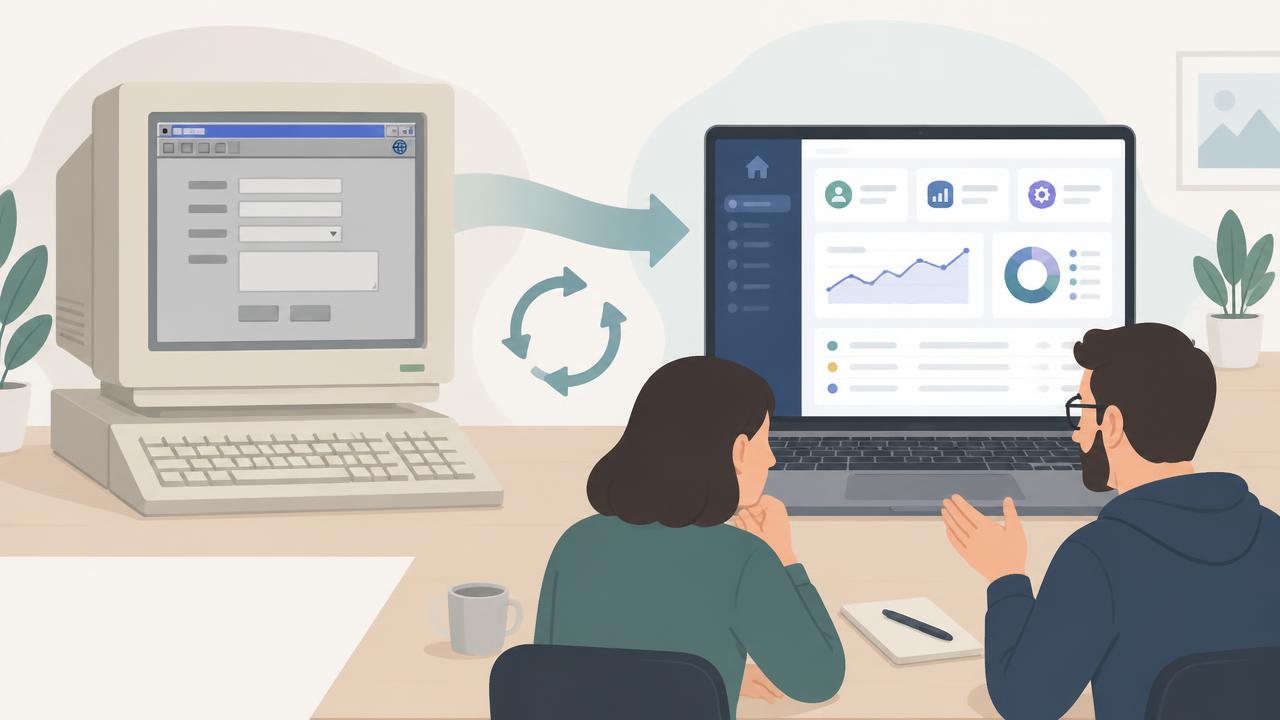
Modernising Classic ASP without a big bang
An application nobody dares to touch
It often starts with one sentence in a first conversation: "It still works, but we don't know for how much longer." Behind that sentence is a Classic ASP application that has faithfully done its job for twenty years. Orders are processed in it, customers are tracked in it and reports are run from it. The whole business leans on it.
At the same time, nobody really knows how it works anymore. The developer who built it left years ago. There is hardly any documentation. Every Windows or IIS update feels like a gamble, and Microsoft has announced that VBScript, the language the whole thing is written in, is being phased out. Anyone who asks for a small change hears: "Better not, something might fall over."
We know this situation well. And the first thing we do is something many people don't expect: we suggest not rebuilding everything in one go.
Why the big rebuild is so tempting (and so often goes wrong)
The logical reaction to an outdated system is: get rid of it, start over. A new project, a new plan, and in a year there will be something modern.
In practice it turns out differently. A twenty-year-old application is full of rules that are written down nowhere. A discount that only applies to customers from before 2012. A field that must stay empty because another system would otherwise get stuck. A report that one person in finance uses every month. You only run into those rules when the new system goes live and someone says: "But it always used to do this."
On top of that, users see nothing for months during a big rebuild. When the new system is finally ready, they don't recognise it. It feels like something that happened to them rather than something they helped create.
Listen first, build second
That's why we start by understanding what's there. We read through the old code and the database, but more importantly, we talk to the people who use it every day. Which screens do you really use? What annoys you? What would you miss if it was gone tomorrow?
Often a sizeable part of the application has become redundant over the years. Screens nobody opens anymore, features taken over by another package. What remains is smaller and clearer than everyone thought. That alone gives breathing room.
Start small, show something quickly
Next, we pick one well-defined part to start with, together. Preferably something that's used often and where the pain is noticeable, like an overview screen or an input form. We rebuild it with Lovable, on a modern database.
Because Lovable helps us put working screens in place quickly, within days there is something the client can try for themselves. Not a design on paper, but real software with real data. That moment matters. The conversation shifts from "what will it look like?" to "this button should go there, and this field can go."
The client decides along with us, every week
From that point we work in short iterations. Every iteration delivers a working piece. The client looks at it, gives feedback, and together we decide what the next step will be.
That sounds simple, but it makes a big difference. The client doesn't have to write a thick requirements document up front and then wait a year. Priorities may shift along the way. Something turns out to be less important than expected? We move it back. A new idea comes up? We include it in the next round. That way the new system becomes something that belongs to the people who have to work with it.
Move over fast, without a long overlap
A common piece of advice is to run old and new side by side for a long time. We prefer the opposite: go live with the new system as soon as possible, then retire the old one. Preferably without overlap.
The reason is practical. Two systems in use at the same time have to hold the same data. Keeping that data synchronised back and forth is often the biggest challenge in such a project, and a source of errors nobody sees coming. We would rather put that energy into one solid, carefully tested data migration and a clear switch-over moment.
That's why we start compact. First the core functionality the business runs on, which has to keep working the way people are used to. Once that is in place, we go live and can move on quickly to new, modern capabilities.
Yesterday's technology doesn't have to be today's way of working
When we examine an old application, one thing almost always comes up: much of it works the way it does because the technology of the time dictated it, not because it was the most practical way. A form spread over three pages because it would otherwise be too slow. An export to Excel because there was no other way to share data. An overnight batch because it was too heavy during the day.
We don't carry those habits over blindly. We distinguish between what is truly core functionality and what is a leftover of old technology. The first stays untouched; the second we remove as quickly as possible. That way the new system isn't a copy of the old one, but an improvement on it.
Not the old risks in a new coat
Building fast is great, but a new system also has to be secure. Before a part goes live, we check who may see which data, whether input is properly validated and whether the libraries used contain no known vulnerabilities. That way we prevent the new system from inheriting the weak spots of the old one, just with a more modern exterior.
What it delivers in the end
At the end of such a project there is an application that is maintainable again. Changes are no longer a gamble, just ordinary work. There is no more dependency on outdated servers and VBScript. Connections to other systems, or later to AI, suddenly become feasible.
And perhaps most importantly: users recognise the end result, because they helped shape it themselves.
An ongoing story
This isn't theory. We are currently applying this approach with a client who wants to move away from their Classic ASP application. The project is still running, and every week the new system moves a step closer to go-live. You can read more about it in our portfolio.
Do you recognise yourself in the beginning of this story? Do you also have an application that still works, but that nobody dares to touch anymore? Get in touch. We'll look together at where best to start.